Ten carefully placed advertising positions across a bilingual news site
built for mobile. Photo, animated GIF, light video or your own HTML — booked,
swapped and measured entirely in-house.
Placements10 positions
Creative formats4 formats
LanguagesDhivehi & English
DevicesMobile-first
Why VIRA Online
A newsroom built for the way Maldivian readers actually read.
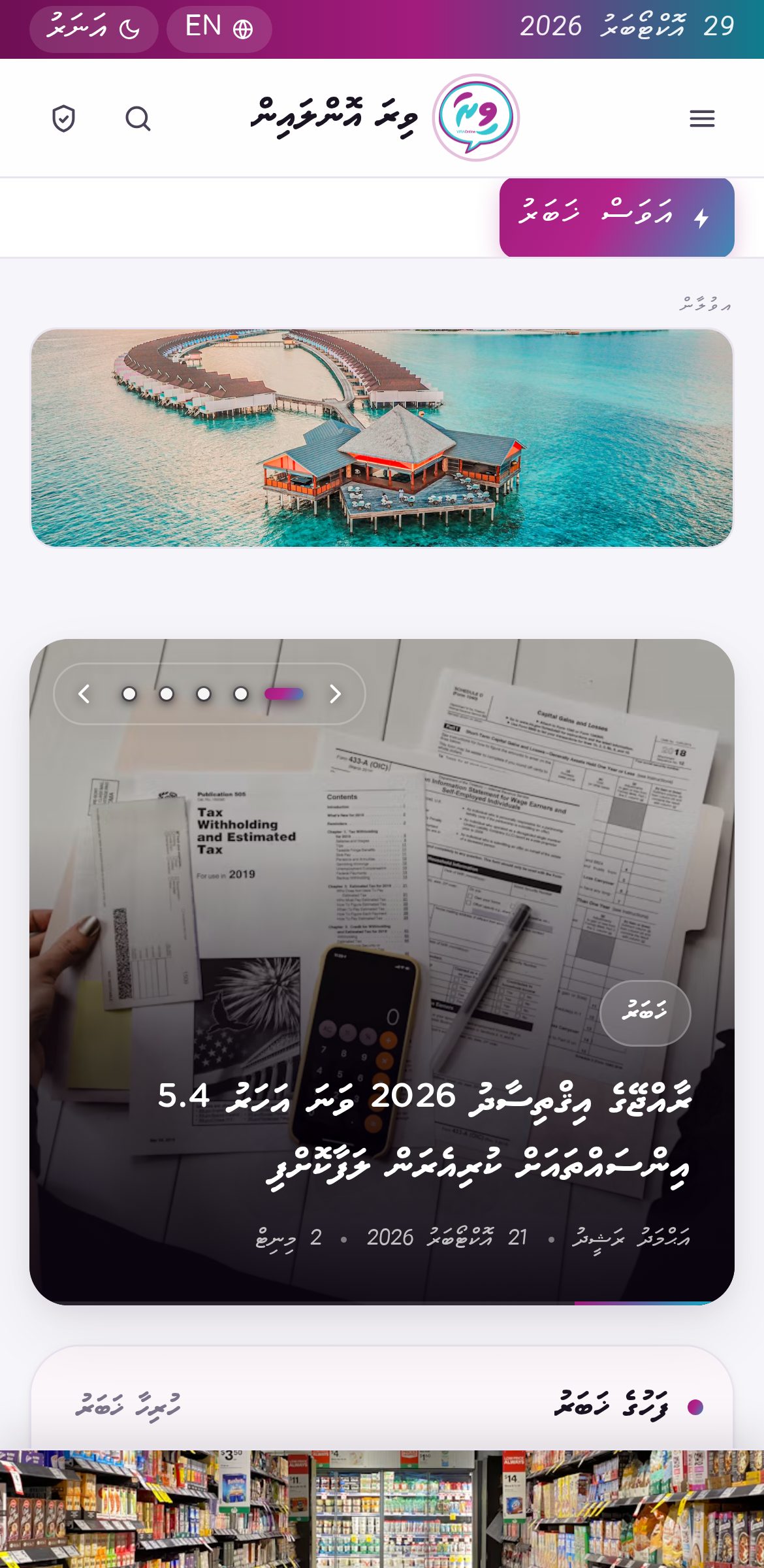
VIRA Online is a bilingual Dhivehi and English news site covering eleven
categories — from breaking news and world affairs to business, religion, sport, history and
long-form storytelling. Every page is designed mobile-first, because that is where the
audience is.
11News categories, all actively published
2Full languages — Dhivehi and English
4Social channels with auto-distribution
0Third-party ad networks between you and the reader
What that means for an advertiser
Your creative is served directly by the site. There is no ad exchange, no intermediary
bidding on your impression, and no unrelated brand appearing underneath yours. When you book
a position, your banner is the only thing in that position.
Every story published on VIRA Online is automatically distributed to the site's Facebook
page, Instagram, X and TikTok accounts, so a campaign placed against a strong news day travels
with the story rather than sitting on a page nobody visits.
Fast by design
Creatives load only when seen
Reserved space — no layout shift
Lighthouse-friendly markup
Always on
24-hour news cycle
Campaigns run to exact dates
Pause or swap in seconds
Measured
Impressions at 50% visibility
Click tracking per campaign
CTR reported in the dashboard
Why the 50% rule matters to you
Many sites count an impression the moment a page loads, even if the banner sat below the
fold and was never scrolled to. VIRA Online counts an impression only when at least half of
your creative has actually been visible on screen. The number you are shown is a number of
real people who saw your brand — not a number of page views.
VIRA Online · Advertising Opportunities
02
The placement map
Ten positions. Each one chosen for a reason.
Advertising on a news site only works when the position respects the reading experience.
Place a banner where it interrupts a headline and the reader leaves; place it where the reader
naturally pauses and it gets seen. Every position below was chosen against that rule.
Home page
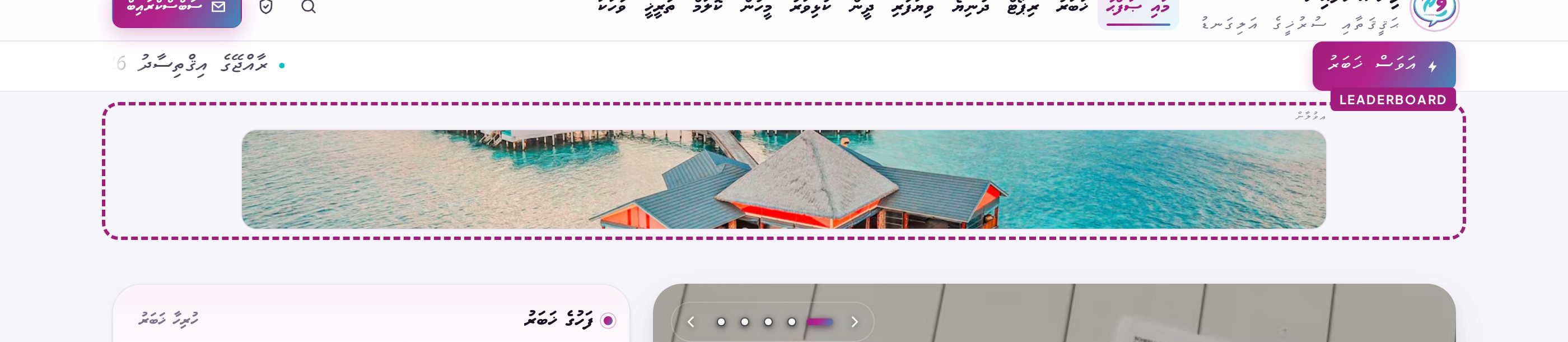
Leaderboard970 × 90
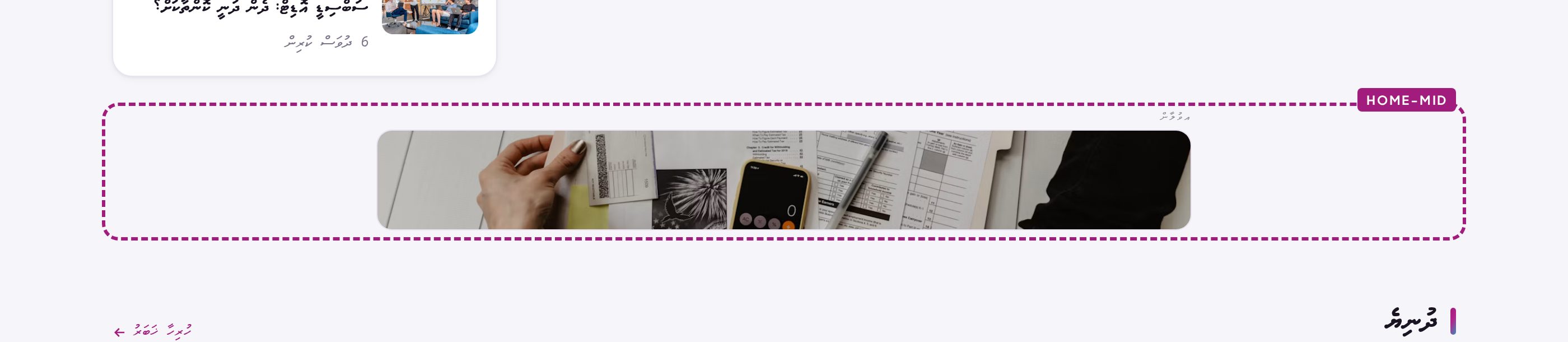
In-feed728 × 90
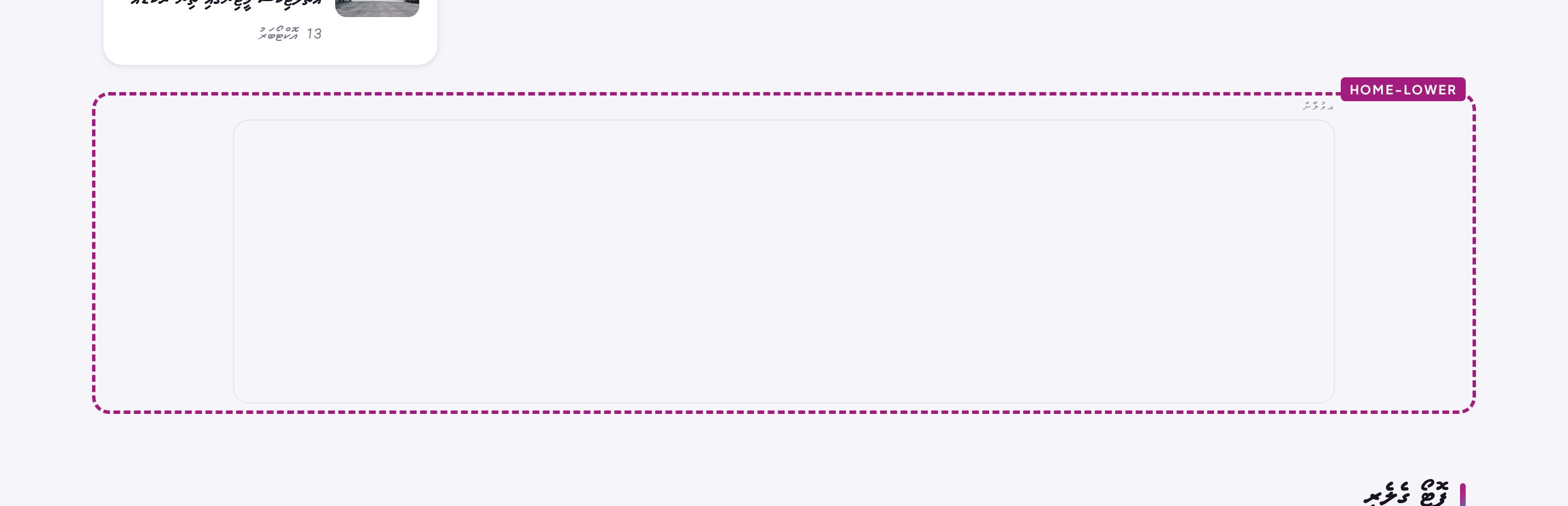
Lower banner970 × 250
Story page
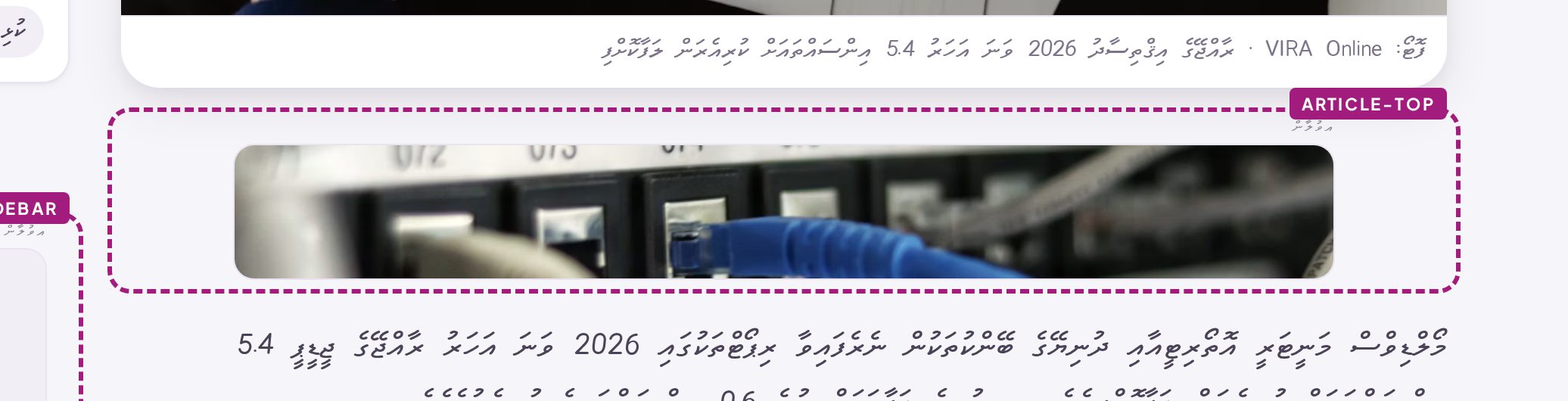
Top728 × 90
In-body300 × 250
End728 × 90
Site-wide positions
Category top — 970 × 90 · top of all eleven category pages
Story sidebar — 300 × 250 · sticky, follows the reader
Footer banner — 970 × 90 · above the footer, every page
Mobile anchor — 320 × 50 · pinned to the bottom of phones
How positions are sold
Exclusive — one advertiser owns the position outright
Shared — up to four campaigns rotate by priority weight
Flighted — start and end dates set to the day
Category-targeted — book against a specific section
VIRA Online · Advertising Opportunities
03
Home page
Three positions where every reader begins.
The home page is the highest-traffic surface on the site. These three positions are spaced so
that a reader meets one banner, reads a block of headlines, then meets the next — never two
stacked on top of each other.
Most valuable
Leaderboard970 × 90
Directly under the navigation, above the top story. The first
thing a reader sees.
The single strongest position on the site. Sold as an exclusive
wherever possible.
Best value
In-feed banner728 × 90
Between the Latest and World sections, at the point
where the reader is already scrolling.
Catches the reader mid-scroll, which is when attention is highest.
Lower banner970 × 250
Between the Sports section and the photo gallery. A large
canvas low in the page, so it never competes with the headlines above.
The only large-format position on the home page. Suited to brand
campaigns, resort and tourism creatives, and product launches where the artwork needs room.
VIRA Online · Advertising Opportunities
04
Story page
Where readers spend the most time.
A reader who opens a story stays for minutes, not seconds. That is why the story page carries
four positions — and why the in-body unit consistently out-performs every other placement on
the site.
Story top728 × 90
Under the cover photo, above the first word of the story.
Seen by every reader who opens the article.
Highest response
In-body300 × 250
Inside the story, after the second paragraph.
The reader is committed to the story but still moving — the point
of highest engagement on any news site.
Sidebar300 × 250
A sticky box in the article sidebar that follows the reader down
a long story.
Desktop only. Stays on screen for the full length of the article.
Story end728 × 90
After the story, before the tags and related articles.
A natural pause at the end of the read, with no competing content.
VIRA Online · Advertising Opportunities
05
Site-wide & mobile
Three positions that follow the reader everywhere.
These run across the whole site rather than a single page type, which makes them the right
choice for campaigns that need reach rather than context.
Category top970 × 90
Top of every category page — News, Report, World, Business,
Religion, Sport, People, Column, History, Story and Gallery.
Can be booked against a single section, so a sports brand appears
on the sports pages only.
Footer banner970 × 90
Above the footer on every page of the site.
Seen by readers who finish a page — a deep-engagement audience.
Highest mobile response
Mobile anchor
320 × 50
A slim bar pinned to the bottom of the phone screen. It stays
visible while the reader scrolls, so it is the only position on the site that is guaranteed
to be on screen for the whole visit.
It is deliberately held to 50 pixels tall so it never covers the
story text, and it appears on phones only — desktop readers never see it.
Best for: app installs, telco and data bundles, delivery
services, and any campaign where a single tap is the goal.
VIRA Online · Advertising Opportunities
06
Creative specifications
Four formats. One rule: keep it light.
A news site lives or dies on load speed, and advertising is the usual culprit. Every format
below is supported, but the file weight limits are enforced for a reason — a heavy creative
costs you impressions, because readers leave before it arrives.
Photo
JPG, PNG or WebP — sRGB colour profile
Supply at the exact size, or 2× for retina screens
Recommended weight: under 150 KB
Upload limit in the panel: 3 MB
Keep text at least 10% inside the edge — never touching the border
Animated GIF
GIF — the safest moving format
Plays on every device, no battery cost, no autoplay block
Keep to 15 frames or fewer, loop infinitely
Recommended weight: under 300 KB
Hold the final frame for at least one second
Light video
MP4 (H.264) or WebM
Maximum length: 6 seconds, looping
Muted — sound is never played automatically
Recommended weight: under 500 KB · upload limit 3 MB
24–30 fps. Design for the loop: first and last frame should match
HTML snippet
For advertisers with their own banner tag
Paste the code into the panel — it renders as supplied
Maximum 100 KB, no external tracking without approval
Must be responsive and must not resize its container
No pop-ups, no redirects, no auto-playing sound
What we will not accept
Creatives that flash more than three times per second, that auto-play sound, that open a
pop-up or a new window on hover, or that misrepresent a news headline as an advertisement.
These are the things that make readers install ad blockers — and once they do, no advertiser
on the site is seen again.
VIRA Online · Advertising Opportunities
07
Size reference
Every size, on one page.
Send this page to your designer. Each position has a fixed desktop size and a fixed mobile
size — the site serves the correct one automatically, so supply both where the artwork differs.
Position
Page
Desktop
Mobile
Format
Max weight
Leaderboard
Home
970 × 90
320 × 100
Photo / GIF / Video
150 KB
In-feed banner
Home
728 × 90
320 × 100
Photo / GIF / Video
150 KB
Lower banner
Home
970 × 250
320 × 200
Photo / GIF / Video
250 KB
Category top
Category
970 × 90
320 × 100
Photo / GIF / Video
150 KB
Story top
Story
728 × 90
320 × 100
Photo / GIF / Video
150 KB
Story in-body
Story
300 × 250
300 × 250
Photo / GIF / Video
120 KB
Story end
Story
728 × 90
320 × 100
Photo / GIF / Video
150 KB
Story sidebar
Story
300 × 250
320 × 100
Photo / GIF / Video
120 KB
Footer banner
All pages
970 × 90
320 × 100
Photo / GIF / Video
150 KB
Mobile anchor
Mobile only
—
320 × 50
Photo / GIF
60 KB
Artwork checklist
Correct pixel dimensions, or larger at the same ratio
sRGB colour, not CMYK
Text legible at 320 px wide — check it on a phone
No important detail within 8 px of the edge
Alt text supplied in Dhivehi and English
Destination URL tested before delivery
File naming
advertiser_position_size.ext
Example: ooredoo_leaderboard_970x90.jpg
One file per position, no layered source files
Send video as MP4, not MOV
VIRA Online · Advertising Opportunities
08
Booking
From enquiry to live in a single day.
There is no ad server to integrate and no approval queue. Once artwork and dates are agreed,
a campaign is built in the site's own dashboard and appears on the site immediately.
01
Choose
Pick a position from this kit, or tell us your
goal and we will recommend one.
02
Send artwork
Supply files at the sizes on page 08, with
alt text and a destination URL.
03
Approve
We send a screenshot of the live preview at true
size before it goes public.
04
Go live
The campaign starts on the agreed date and runs
to the day it ends.
What you receive
During the campaign
Impressions counted at 50% visibility
Click count and CTR per campaign
Creatives can be swapped at any time without losing the campaign history
Pause and resume instantly — nothing is deleted
At the end
A summary of impressions, clicks and CTR
Placement-level breakdown if you booked several
Optional screenshot of the campaign in position
Renewal at the same position if you wish to continue
Rotation, explained simply
When several advertisers share a position they take turns rather than one always winning.
Each campaign carries a priority weight: a weight of 3 shows roughly three times as often as
a weight of 1. That way a smaller booking still receives a fair share of the traffic instead
of being starved by a larger one.
Let's put your brand in front of the Maldives.
Tell us the position, the dates and what you want readers to do. We will confirm
availability and send a preview the same day.